


Why Does LED Display Screen Exhibit Dragging Phenomenon
Mar 02, 2024
Leave a message
Whether it's for advertising or product display, LED screens are very common. When an LED screen experiences trailing issues, how should we resolve this? Let's take a look together!
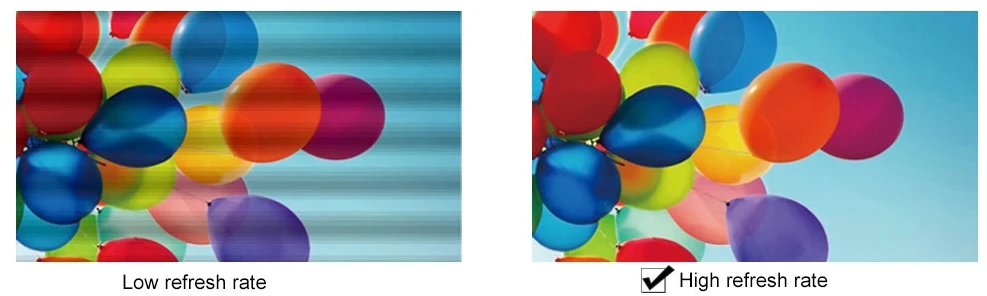
Main Reasons
The main reasons causing the trailing phenomenon include the following:
Graphics card driver issue
You can try updating the graphics card driver or reinstalling it. It is also recommended to adjust the resolution and refresh rate, which may be related to the response time of the LCD monitor.
01
Graphics card issue
Try reseating the card and cleaning the gold fingers. Also, observe whether the graphics card fan is functioning normally.
02
Data cable issue
Consider replacing the data cable or checking if there are any bends in the cable.
03
Screen cable issue
That is, the VGA cable. Check if this cable is connected properly and if there are any loose connections. Try replacing it with a high-quality VGA cable, and ensure that the VGA cable is kept away from the power cable.
04
Monitor issue
Connect the monitor to another computer that is functioning normally. If the problem persists, it might be an issue with the monitor itself.
05
In summary, whether it's shadow elimination technology or current shadow elimination technology, the primary role of drive technology is to stabilize and clarify the image. Just like a computer's graphics card driver, it ensures smooth image quality, ultimately achieving precise and high-definition display on full-color LED screens.